Donor Wall Studio · Free resources
Donor Recognition Plaques planning tools
Donor Wall Studio has eleven free planning tools for development and advancement staff. They count plates and reserved positions, test whether a grid of rows and columns holds your list, check name lengths and draft dedication wording. The date tools work back from the day pieces must be on site. All of them use only numbers you enter.
A donation record is not automatically a publishable inscription. Confirm recognition preferences, household or organization grouping and any anonymous listings first. Reserved future positions belong in the layout calculation; they become manufactured plates only when the order actually includes them.
calculator
Quantity Calculator
Add up the pieces in a donor order from your own numbers: approved inscriptions, plates per donor, title plates and any fillers you choose to make.
calculator
Budget Estimator
Add quantity times unit cost to setup, shipping and tax figures you supply, and get one planning total for a donor wall or a set of plaques.
checker
Engraving Text Length Checker
Paste donor inscriptions one line at a time and see which household, foundation or memorial names exceed the character budget you set.
calculator
Shipping & Timeline Estimator
Enter the on-site date and your quoted stage lengths to see the latest day a donor wall order can be dispatched and still be mounted on schedule.
checker
Material Comparison Tool
Put two material directions side by side, such as brushed metal against clear acrylic, and see what to specify before choosing donor plates.
planner
Production Timeline Planner
Turn one on-site date into a start date for each stage of a donor wall order, so approvals can be scheduled around board and committee meetings.
generator
Engraving Wording Generator
Enter a donor, a project and a year, pick a tone, and get three short inscription options to edit for a personal thank-you piece.
planner
Event Award Planning Checklist
A tick-box checklist for the recognition pieces behind a dedication or donor reception, with a progress count while the page stays open.
generator
Award Title Generator
Get three award title ideas for a campaign chair, volunteer fundraiser or community partner, then add the recipient, theme and year beneath.
generator
Plaque Wording Generator
Draft a dedication for a room, garden or bench plaque from the approved name and date, then edit it to match the naming agreement.
calculator
Donor Wall & Plate Calculator
Enter current plates, reserved future plates, rows and columns to see whether the grid holds them all or how many slots are missing.
A useful order plan, in three decisions
Step 1
Count the actual pieces
Start with the recipients, positions or physical units in your order. Distinguish shared pieces from personal ones, and count packaging separately. Use the quantity tool to reconcile the inventory before discussing a product price.
Open the toolStep 2
Prepare the words and design
Choose the material direction around the intended use. Check exact names and identifiers, then use the text counter to edit line lengths. The final proof needs the product dimensions, artwork and approved wording together.
Open the toolStep 3
Review cost and timing
Enter current quoted costs into the budget tool and confirmed stage durations into the timeline. Keep unknown amounts or dates visible in your brief. The calculation helps you evaluate a proposal; it does not reserve production or purchase shipping.
Open the toolDetails to retain for your order: Approved recognition name, tier, plate position and future expansion plan.
Choose the pieces your plan describes
Use these designs to discuss the physical format, personalization and intended use. The images are original AI-generated concepts; final dimensions, material and construction are developed in the quote and proof.
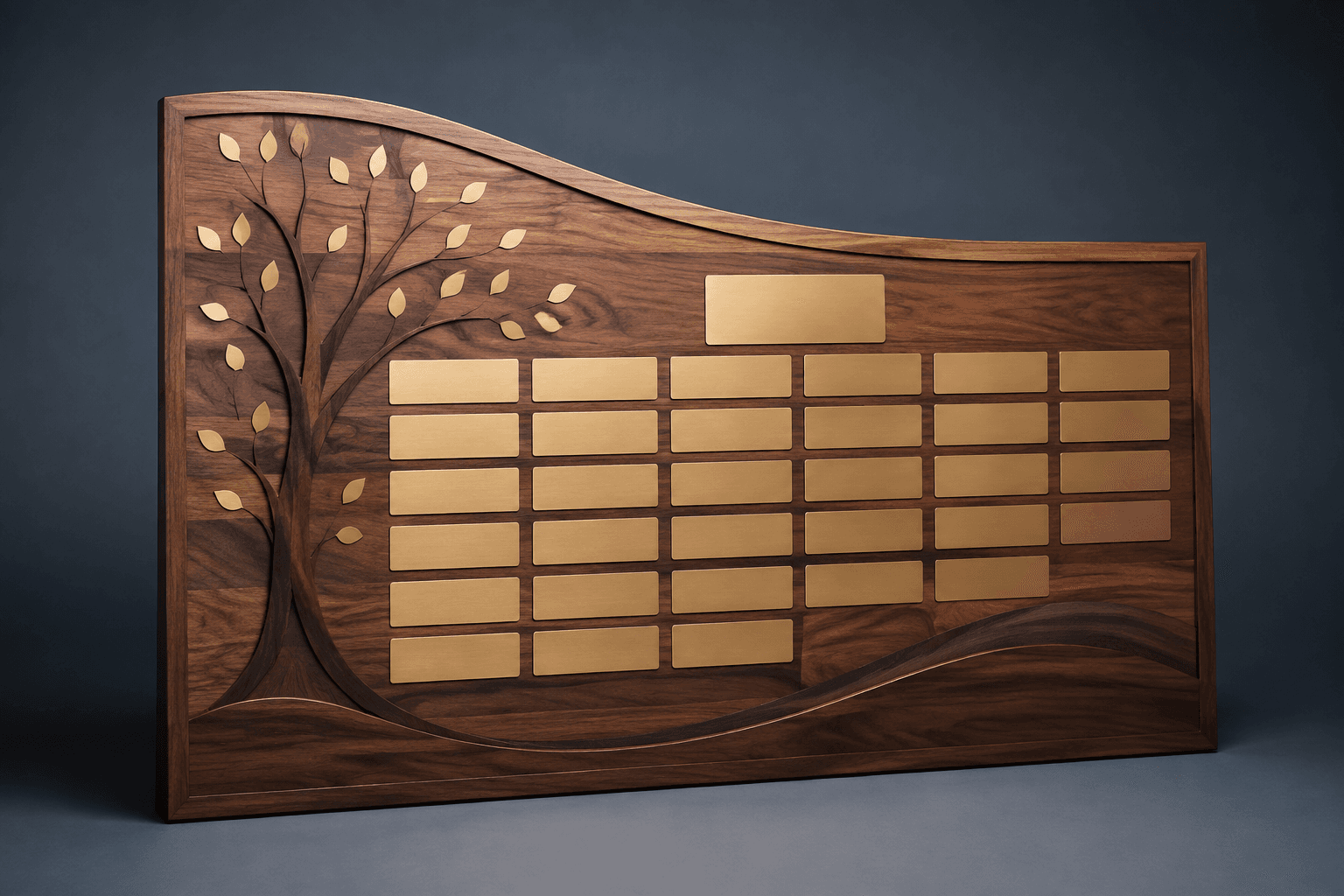
Design concept · Walnut with modular metal plates
Donor Recognition Wall
Map the first group of names and the likely expansion before choosing the overall width. Decide whether new gifts add a leaf, replace an entry or move a donor to another tier so the design can grow coherently.
Explore the design and personalization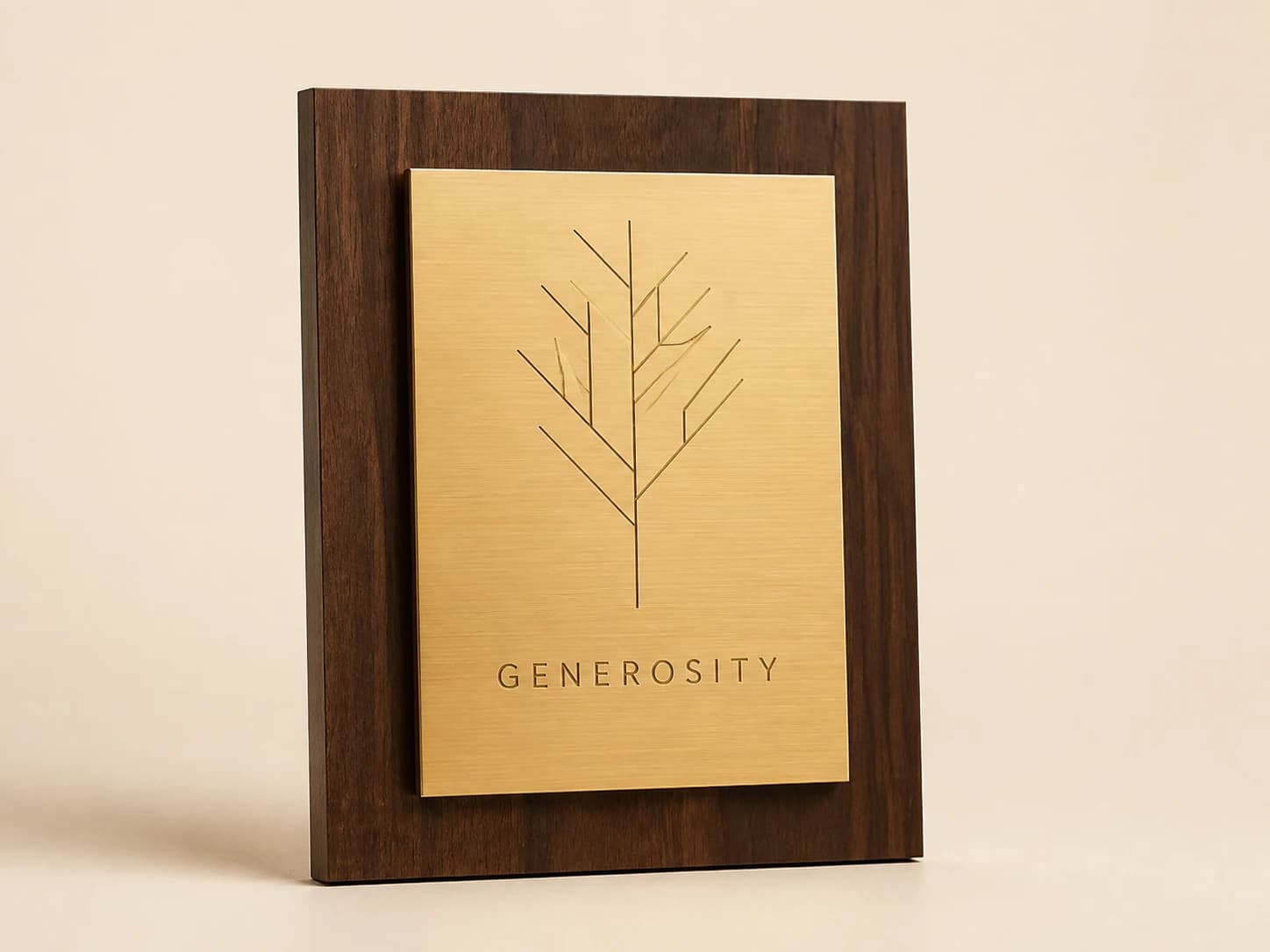
Design concept · Walnut with metal plate
Individual Donor Recognition Plaque
Ask how the donor wants to be identified publicly, including family names, joint gifts and anonymity. A project-specific thank-you often communicates the gift's purpose without publishing an amount or implying a result you have not documented.
Explore the design and personalization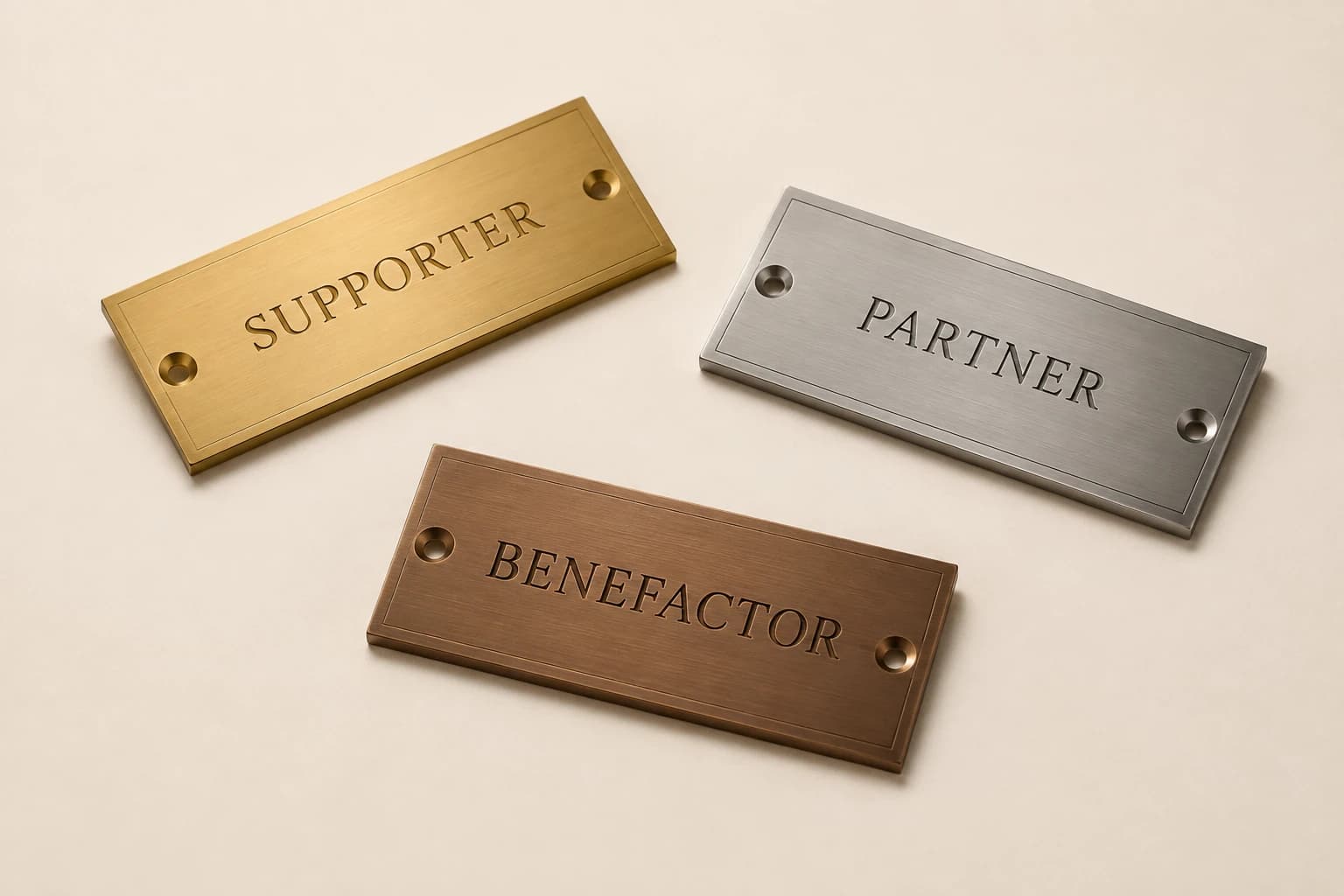
Design concept · Brushed metal or acrylic
Donor Wall Engraved Plates
For an addition, provide the dimensions and a straight-on photograph of an existing plate. Match the actual mounting and spacing requirements as well as the wording; a similar-looking plate may not fit the current system.
Explore the design and personalization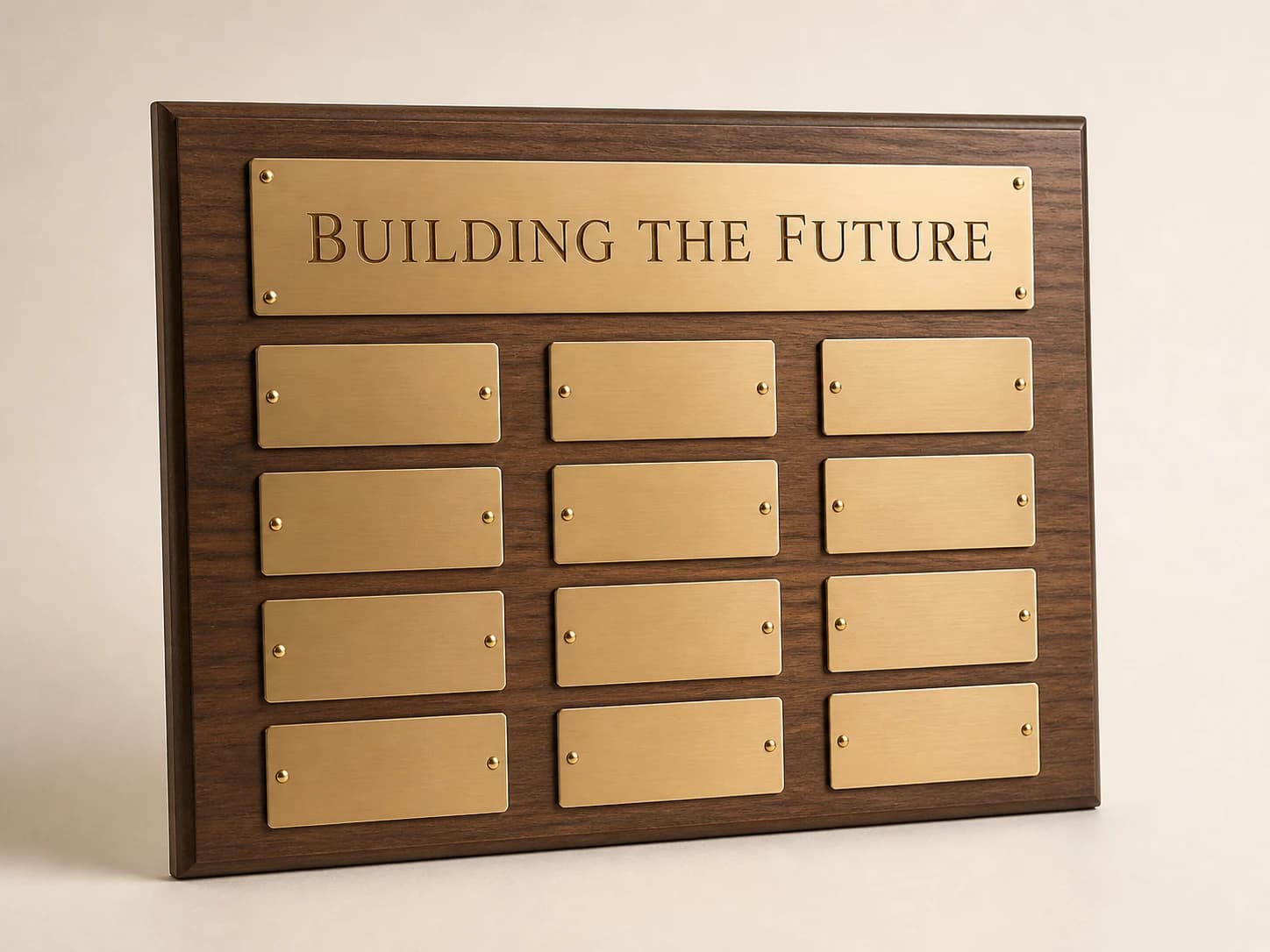
Design concept · Walnut with metal plates or full-color
Capital Campaign Recognition Board
Agree on tier order, name sorting and recognition rules before design. Long organization names and family listings need room, so use the real approved list to choose the board size instead of designing around placeholder names.
Explore the design and personalization
Design concept · Optical crystal-style acrylic
Crystal-Style Donor Award
Choose this format when the recognition is a gift to the donor rather than a permanent building display. Keep the main inscription personal, and reserve detailed project outcomes for a separate, documented update.
Explore the design and personalizationFrom planning result to a useful quote request
The calculators run in your browser. Where a tool offers a quote button, choosing it saves the result as a draft for this brand in the same browser tab. Review the message on the quote page and add the product, material, dimensions, destination and required date. The draft is sent only when you submit the contact form.
Worked examples explain the arithmetic and wording choices. They use sample details and do not represent completed customer orders. Keep your actual names and identifiers in your approved source file, and ask for written confirmation of the final design, price and delivery plan before production.
Which buying guide should you read next?
All buying guidesFor worldwide Donor Wall Studio orders, compare donor-name panels against the lobby’s real background and lighting before choosing brushed metal or clear acrylic. Transparency, printed backing and surface finish can change the proposed appearance. Ask for a representative name-field sample in the intended setting rather than treating a clean catalog rendering as a readability test.
For worldwide Donor Wall Studio orders, brief the donor wall with a measured display area, component dimensions, gaps and a position map for the installer. A row-and-column count establishes capacity only. Keep the overall wall, proposed arrangement and attachment decisions distinct so the final handoff describes the actual installation location.
A practical name style guide with before-and-after examples, exact character counts, ordering options compared for future additions, anonymous-listing choices and a downloadable name-approval template. Current results are a single hospital PDF and short vendor posts without fit checks.
For worldwide Donor Wall Studio orders, count approved donor names, reserved positions and physical blank fillers separately. A vacant slot is space, while a filler is an ordered component. Decide which unused positions receive blanks now, which remain open and whether any additional stock has an approved later use.
Donor Wall Studio quote
Send your donor recognition plaque plan for pricing
For donor recognition plaques, Donor Wall Studio prices from the design, names now, room to grow, wall or gift, wording, artwork and mounting day. Paste the planning result into the message.